DayPilot
Release date: September 30, 2013
Features
- Full CSS styling supported
- CSS themes supported (compatible with DayPilot Pro; see also the online theme designer at http://themes.daypilot.org/)
- Strongly-named (signed) assembly
Full CSS Styling of Calendar and Scheduler
Both the Event calendar and Scheduler controls now support full CSS styling. The control appearance can be adjusted using CSS3 classes.
You can enable full CSS rendering mode using CssOnly property.
Event Calendar Example
<DayPilot:DayPilotCalendar
  ID="DayPilotCalendar1"
  runat="server"
  ...
  CssOnly="true"
  />
Scheduler Example
<DayPilot:DayPilotCalendar
  ID="DayPilotCalendar1"
  runat="server"
  ...
  CssOnly="true"
  />
CSS Themes
DayPilot Lite support CSS themes. The themes are compatible with DayPilot Pro themes. You can create your own theme usign the online CSS theme designer.
The theme can be applied using CssClassPrefix property.
Event Calendar Example
<DayPilot:DayPilotCalendar
  ID="DayPilotCalendar1"
  runat="server"
  ...
  CssOnly="true"
  CssClassPrefix="calendar_white"
  />
Scheduler Example
<DayPilot:DayPilotCalendar
  ID="DayPilotCalendar1"
  runat="server"
  ...
  CssOnly="true"
  CssClassPrefix="scheduler_white"
  />
DayPilot Lite package includes several sample themes.
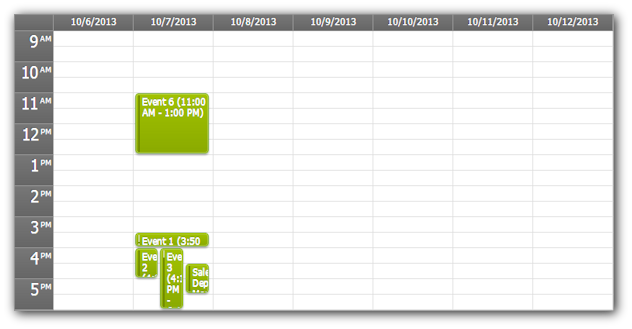
Green Event Calendar CSS Theme
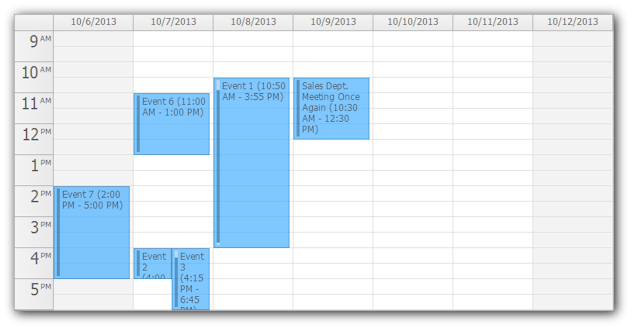
Transparent Event Calendar CSS Theme
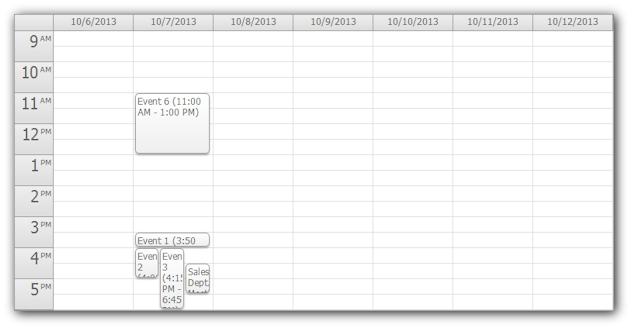
White Event Calendar CSS Theme
Green Scheduler CSS Theme
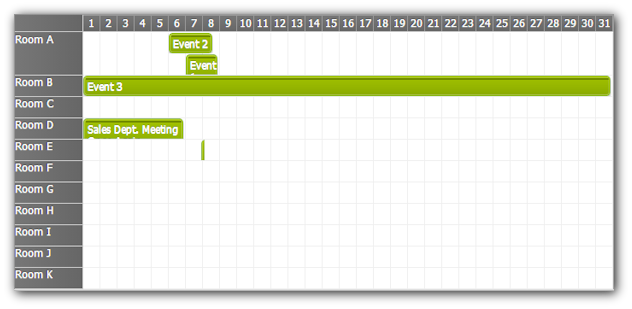
Transparent Scheduler CSS Theme
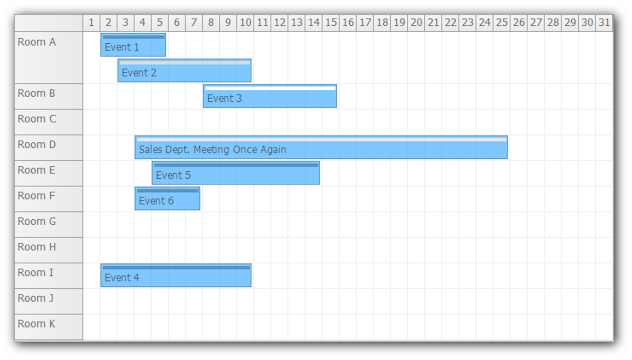
White Scheduler CSS Theme
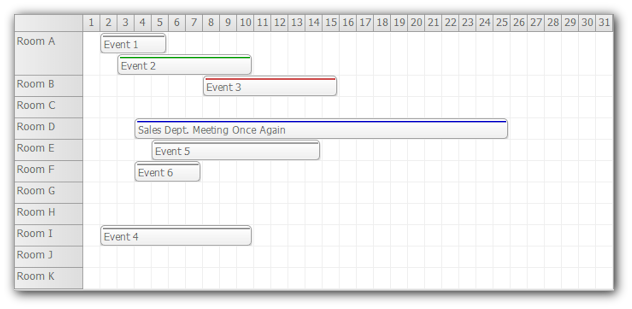
Windows 8 Scheduler CSS Theme